01
Point at the change.
Click the exact part of the interface you want to fix. Revisal traces it back to the code.

Revisal turns visual edits on a live page into code changes your team can review, adjust, and merge.

Click real UI, make the change, and leave with code your team can review.
01
Click the exact part of the interface you want to fix. Revisal traces it back to the code.
02
Edit copy, layout, and styling directly on the page while Revisal builds the diff alongside it.
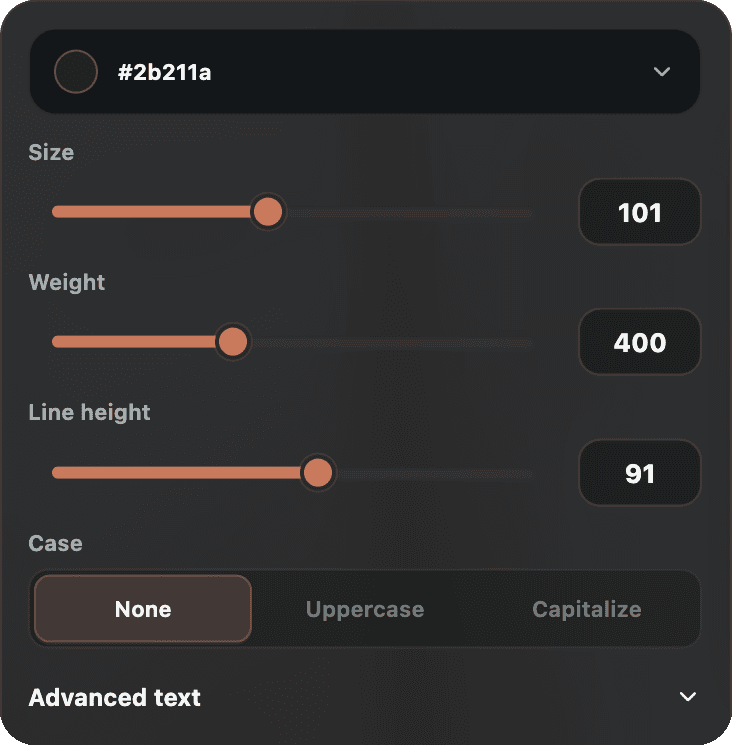
03
Commit the change, push it, or update the open PR from the same flow.
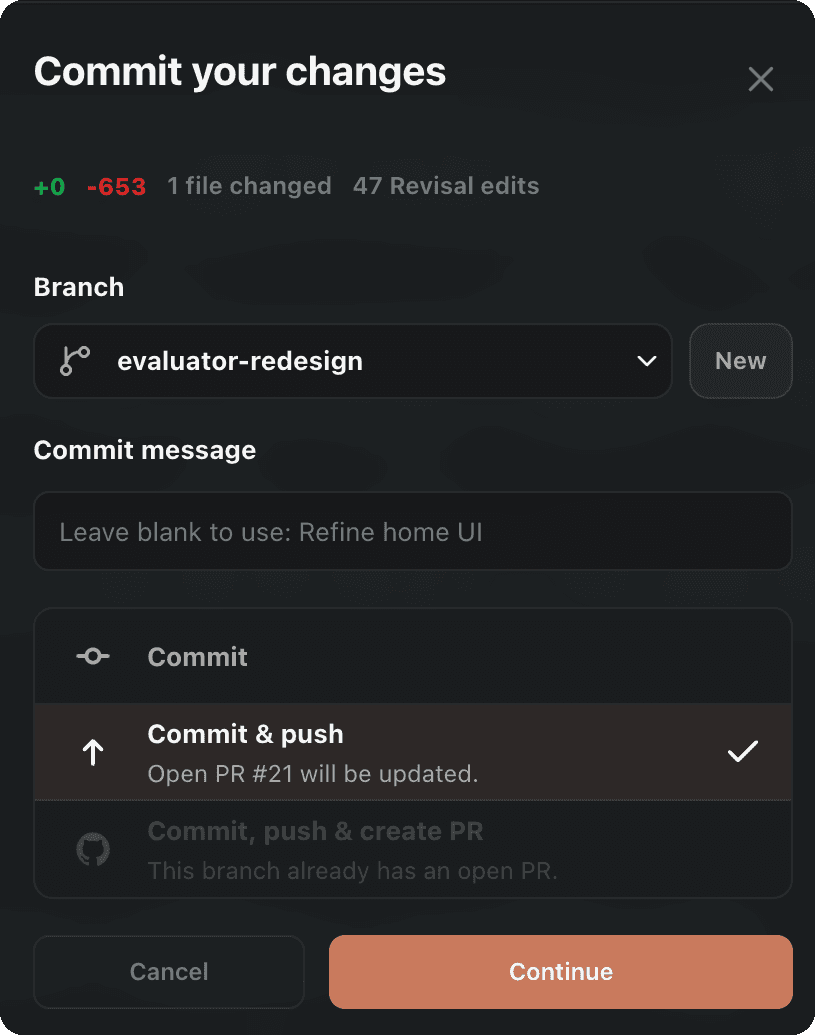
Revisal keeps the visual decision attached to the code, so your fix can land where developers already review work.
Get early access when Revisal is ready to change the way you build.